Why don't I see the new updates or the new experience in my app?
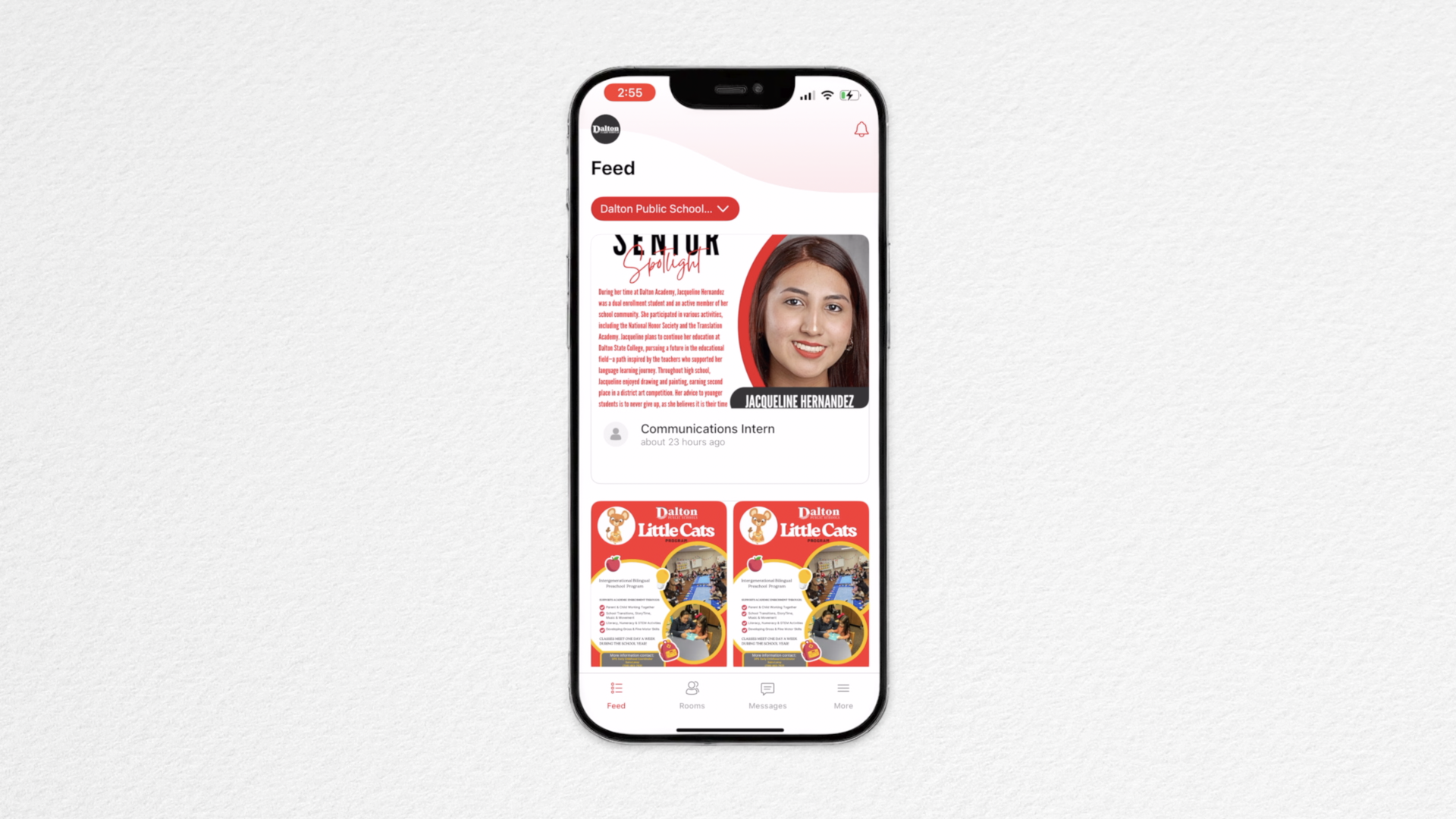
You may need to update your district mobile app to see and use the updated Rooms features.
Why am I unable to log in?
Please ensure you are logging in through the Dalton Public Schools district mobile app.
If you’re still unable to log in:
Delete the app
Reinstall (and update if needed)
Try logging in again
If issues continue, please reach out to us for support.
Where can I download the district app?
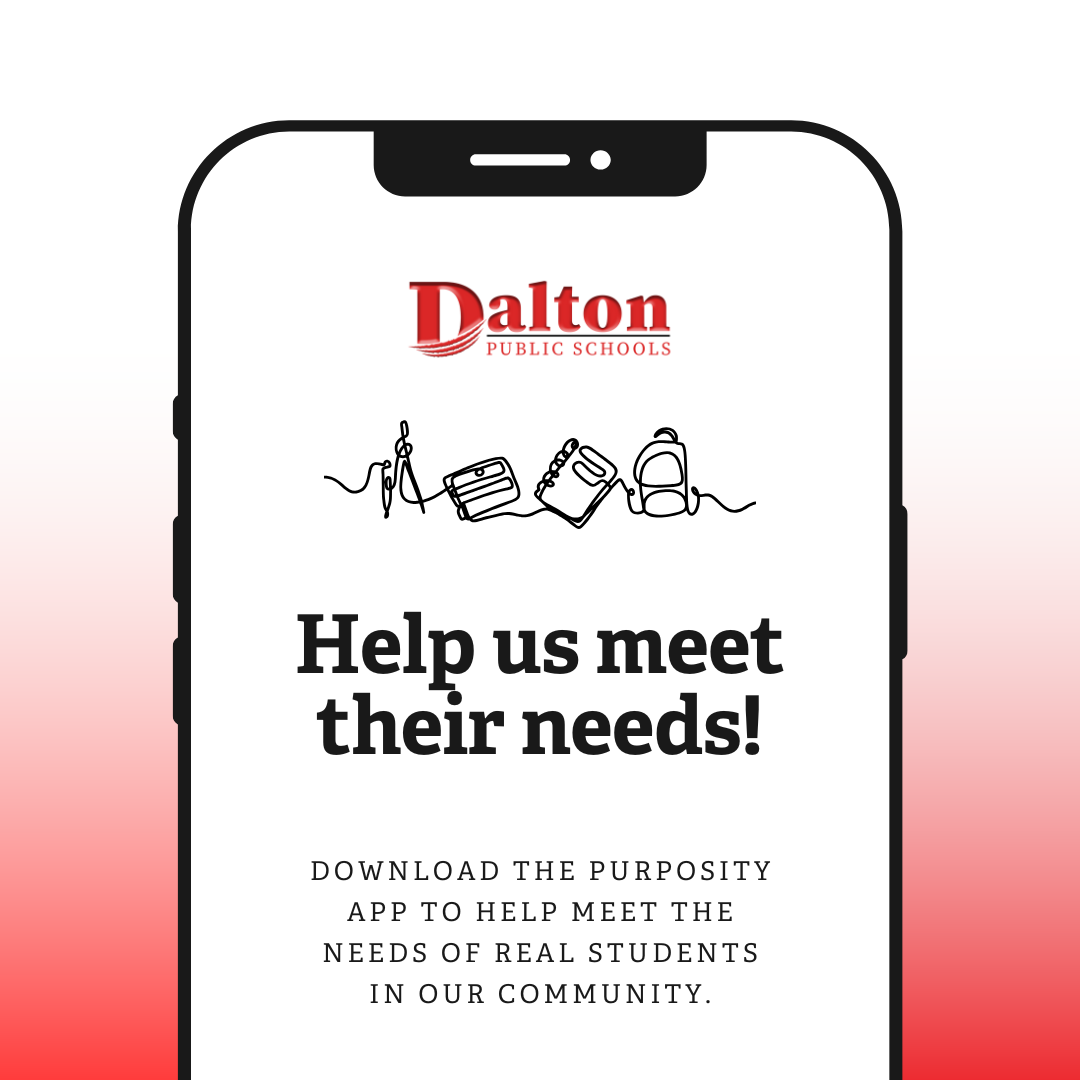
Our free district app is available in the App Store (iPhone/iOS) and Google Play Store (Android).
Do I need to download a separate Rooms app?
No. Rooms is built directly into the district mobile app and is also accessible via a web browser. We do recommend using the mobile app for easiest access.
What is Rooms and how does it help with school communication?
Rooms provides secure, two-way messaging between families and school staff. Teachers, nurses, and other staff can send messages, announcements, and updates—while families can easily message teachers or staff when needed.
Rooms helps streamline communication by providing one central tool rather than using multiple channels like email, text, or social media. Because Rooms is part of the district app, families also get access to news, dining menus, events, and more—all in one place.
Can I use my computer instead of my phone?
Yes! Rooms is accessible on the web, on a mobile browser, or through the district mobile app.
One of my children isn’t showing up in Rooms. What should I do?
Please send us an email at info@dalton.k12.ga.us and we will assist you!
IMPORTANT: Not Receiving the Verification Code?
If you enter your phone number but never receive the verification code, this usually means your contact information in your student’s account needs to be updated.
Please email us info@dalton.k12.ga.us, or call our district office directly. We will quickly update your information so you can access Rooms without delay.